On September 29, Firefox 157 shipped Nova, the biggest refresh of the Firefox interface since Proton back in 2021. The browser frame is cleaner, the sidebar plays a bigger role, and vertical tabs are a first-class layout. Your theme continues to load, and most color and image properties work as they did before.
What does change is where those colors and images display, how some of them look next to each other, and a handful of properties that no longer have a visible effect. Most themes will look fine. Some, especially themes built around a background image, look different enough that you will want to take a look.
This post walks through what changed compared with the Proton interface, what to check in your theme, and what is still being worked on. If you only have five minutes, jump to the checklist.
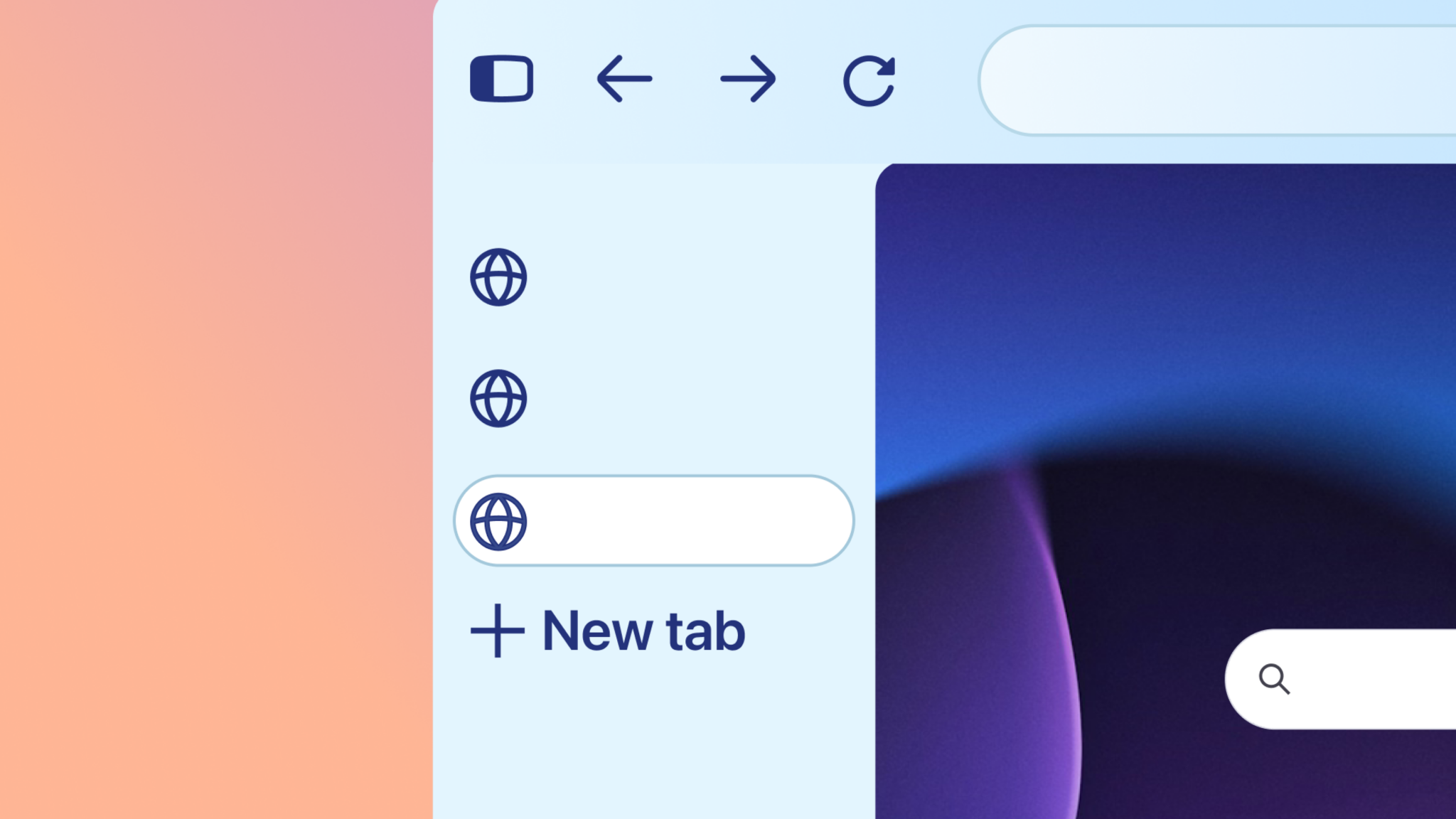
What changed in the browser frame
The toolbar and sidebar now sit flush with the window edges, with no gaps between them.
For your theme, this means your frame color and background image have less empty space around them, and the edges where the toolbar, sidebar, and page meet are more visible.
| Area | Proton | Nova (Firefox 157) |
|---|---|---|
| Toolbar and sidebar | Flush with the window, no gaps or floating borders | Same as before |
| Horizontal tabs | Theme background applied to the tab strip | Same as before |
| Vertical tabs | Tab bar color on the tab strip | Tab bar color also shows on the toolbar |
| Sidebar | Separate panel | Shares the theme background with the toolbar area |
colors, accents and tabs
Accent color. The default Firefox theme uses Nova’s purple accent. Every other theme, including yours, uses the operating system’s accent color for buttons and other accented controls. Themes cannot set the accent color through the manifest, and is why your theme cannot show the purple you see in the default theme.
Focus and link colors. Firefox still applies its own blue and cyan to focus rings and some links when a theme other than the default is active.
The selected tab. Proton always drew a shadow under the selected tab, which helped it stand out even when a theme did not style it. Nova removes that shadow. If your theme relies on it, the selected tab can blend into the tab strip. Set the selected tab colors, with tab_selected and tab_line, so the selected tab stands out.
Button hover colors. Your button_background_hover and button_background_active colors also apply to buttons on the tab strip, and for buttons that sit on your frame background with vertical tabs. A solid color picked to match the toolbar can almost disappear there. Semi-transparent colors, for example rgba(0, 0, 0, 0.15) for hover and rgba(0, 0, 0, 0.3) for pressed, work on both backgrounds.
Sidebar and vertical tabs
- The sidebar shares your background. The theme background now continues under the sidebar, so the sidebar and the toolbar area appear as one surface.
- Set sidebar colors explicitly. Use
sidebarandsidebar_textfor sidebar panels. If you leave them out, Firefox picks colors for you, relevant to your theme’s color. sidebar_borderis now a separator. The sidebar splitter is gone; the property now colors the line between the sidebar and the page.- Sidebar buttons follow your text color. Buttons and icons in the sidebar are derived from your text color rather than your toolbar button colors, so they can look slightly different from the toolbar.
- Vertical tabs and the toolbar. With vertical tabs, your tab bar color is also applied to the toolbar. If those two colors were chosen to contrast, check how they look together.
- Expand on hover. In Firefox 157, a sidebar that expands on hover may not show your theme’s background. This is fixed in Firefox 158.
Properties that changed or no longer work
Some theme properties behave differently in Nova. Your theme still loads if it uses them; they just have no visible effect, or style something different.
| Property | In Nova |
|---|---|
ntp_text |
No longer styles the new tab page search box |
popup_text |
No longer styles the address bar dropdown; other popups still use it |
sidebar_highlight |
No visible effect; the default highlight color is used |
sidebar_highlight_text |
No visible effect |
toolbar_bottom_separator |
Acts as a separator next to or below the toolbar and around the page |
The theme manifest reference on MDN is being updated with these changes.
Themes with background images
Themes using images are where you are most likely to see a difference. Your image can now show behind the sidebar and vertical tabs, and an image designed for a wide, short toolbar rarely looks good stretched or tiled down a vertical panel. In our testing of popular themes, the image themes that look off in the sidebar mostly did before Nova too. We did test a number of themes but we invite you to do your own testing. Nova makes the sidebar more visible, so the issues are easier to notice.
You can now choose where your images go with the backgrounds_area property, available from Firefox 156:
- “auto” (the default): Firefox decides from
additional_backgrounds_alignment. If any image is aligned to the vertical center or bottom, images stay in the top toolbars; otherwise they cover the whole window. - “window”: images cover the whole window, including behind the sidebar and vertical tabs.
- “top_toolbars”: images stay in the toolbars at the top of the window, and the sidebar uses your frame color.
If your image was made for the toolbar only, “top_toolbars” with a frame color that suits the image is usually the quickest fix.
Also set a toolbar color, even a semi-transparent one. Without it, notification bars that appear above the page sit directly on your image and can be hard to read.
New Gradient Support
Nova’s color themes use gradients, and you can too. The Nova theme manifests are the best working example; look at how they set colors for each surface, including the sidebar. backgrounds_area applies to gradients the same way it applies to images. Older versions of Firefox ignore color properties they don’t recognize, so your theme still loads there; if you use a feature older versions reject, set strict_min_version in your manifest.
Checklist: what to check in your theme
Install your theme in Firefox 157 and look at it in each of these states:
- Horizontal tabs and vertical tabs.
- Sidebar closed, open, and expanded on hover. Also toggle “Customize sidebar” while the sidebar is open or expanded.
- Compact density, if your users are likely to use it (under settings -> appearance density(.
- A private window.
- Light and dark system settings, since the accent follows the operating system.
- Hover over the buttons on the tab strip.
Then, if something looks off:
- Set
tab_selectedandtab_lineso the selected tab stands out without Firefox’s old shadow. - Set
sidebarandsidebar_textto colors that match your theme. - Use semi-transparent
button_background_hoverandbutton_background_activecolors. - Check that your tab bar and toolbar colors work together with vertical tabs enabled.
- For image themes, choose a
backgrounds_areaand set a toolbar color. - Remove or ignore properties that no longer have an effect.
- Publish an update on AMO so your users get the changes.
What we are still working on
Nova will evolve after launch. Firefox 158 ships on October 13 with the expand-on-hover sidebar fix. We are also working on these, with no release date yet:
- Focus and link colors that fit your theme instead of the fixed blue and cyan.
- A
popup_iconscolor for icons in menus and panels, separate from toolbar icons. - Theme colors for hover and selected states inside sidebar panels.
- Better hover states for tab strip buttons.
We will post again when these land.
For users who prefer the old look
Some of your users may miss Proton. From September 29, Mozilla is featuring a Firefox Proton theme in the Add-ons Manager for anyone who wants the previous look. It is a normal theme, so users can switch between it and yours at any time.
Resources
- Theme manifest reference on MDN: every color, image, and property, including
backgrounds_area. - Static themes on Extension Workshop : updated for Nova.
- Nova theme manifests: worked examples for gradients and sidebar colors; the themes themselves are on AMO, for example Nova Sun.
Questions?
We want your theme to look its best in Nova. If something looks wrong and the checklist does not fix it, tell us on Discourse and include a link to your theme and a screenshot. Those reports help us find the cases that need a Firefox fix rather than a theme change.
Thank you for making Firefox look like you and like your users.
Lee wrote on
cbacharakis wrote on
Marijn wrote on
Ryo wrote on
Stefan wrote on
Luke wrote on
cbacharakis wrote on
nunya wrote on
cbacharakis wrote on
Luke wrote on
cbacharakis wrote on
Jen wrote on
TheRealQata wrote on
Jackson wrote on
AN wrote on