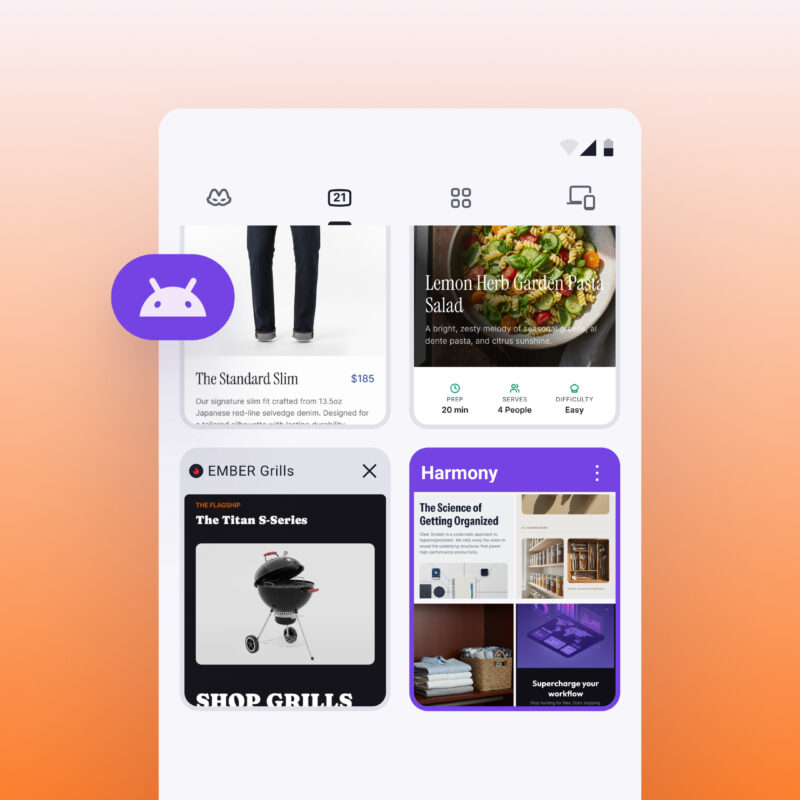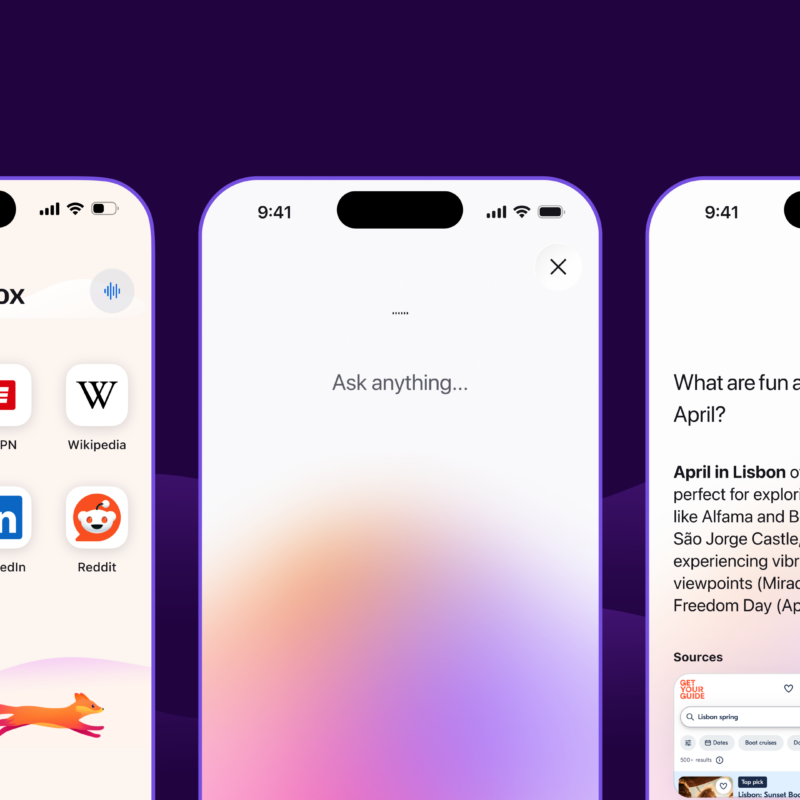
Update on July 28, 2026: Firefox’s free built-in VPN is starting to roll out for Firefox Android users today. It brings the practical privacy protection experienced by desktop feature users since March straight to your Android device. Just turn it on and browse.
This feature is being introduced gradually for people using Firefox for Android in all countries where Firefox built-in VPN for desktop is available, including Australia, Austria, Belgium, Bulgaria, Canada, Chile, Colombia, Denmark, Finland, France, Germany, Ireland, Italy, Japan, Malaysia, Mexico, the Netherlands, New Zealand, Norway, Poland, Portugal, Singapore, South Africa, Spain, Sweden, Switzerland, Thailand, the U.K., and the U.S.
Learn more about Firefox for Android’s built-in VPN feature on the Mozilla support page.
Update on May 19, 2026: Firefox’s free built-in VPN now supports location selection, giving people access to a fully comprehensive VPN experience directly within the browser. Starting today, Firefox users in the U.S., U.K., France, Germany, and Canada can choose to browse from any of the countries where we’ve launched VPN support. Browsing is subject to the local laws and content restrictions of the selected region.
Original post from March 2026:
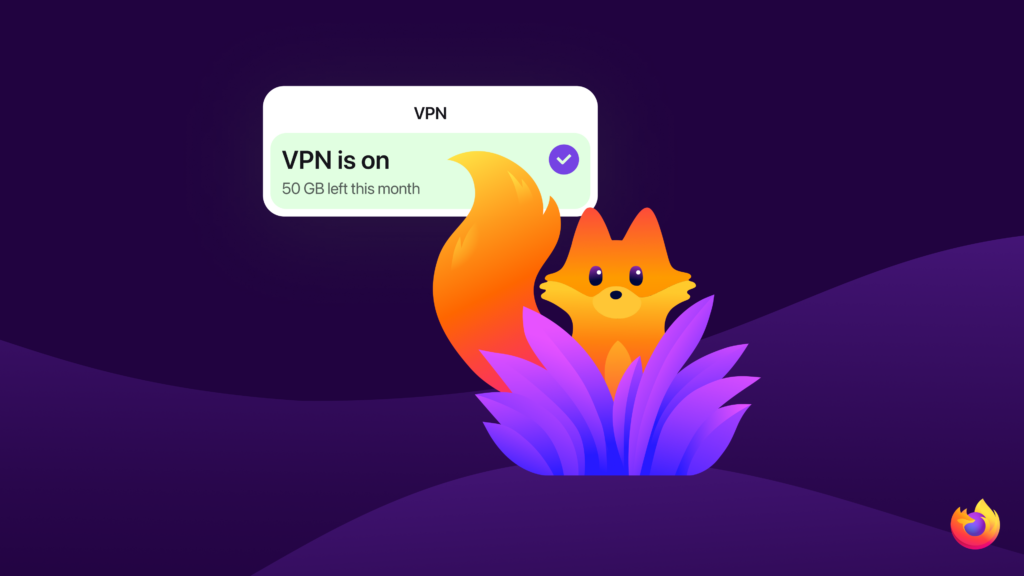
Today we’re introducing a free built-in VPN in Firefox, a new IP-protection feature designed to keep you even more private while you browse. We’re starting by offering an industry-leading 50 gigabytes of free VPN-browsing each month.
Firefox has long focused on building privacy tools directly into the browser to protect you online. Over the years, we’ve introduced world-class protections that block known trackers, reduce fingerprinting and limit how companies can follow people across the web. Our goal has been consistent: make meaningful privacy protections accessible to Firefox users every day.
Firefox is the only major browser to include a built-in VPN like this for free — giving you more control over your privacy, right where you browse.
Privacy built into the browser
Every time you visit a website, your IP address is shared automatically. IP addresses help websites know where to send information back to your device, but they can also be used to approximate your location, link your browsing activity across sites and keep logs about your online behavior, meaning websites can track your behavior. It’s one of many ways companies track activity across the internet.
Additionally, when you’re using public Wi-Fi while at a coffee shop, in a hotel, or in your dorm, people can spy on your network traffic and see which websites you might be visiting.
At Mozilla, we believe people should have stronger protections against this kind of tracking and spying, and that those protections should be easy to use.
Introducing built-in VPN
Our free built-in VPN is designed to make IP protection simple to use in Firefox.
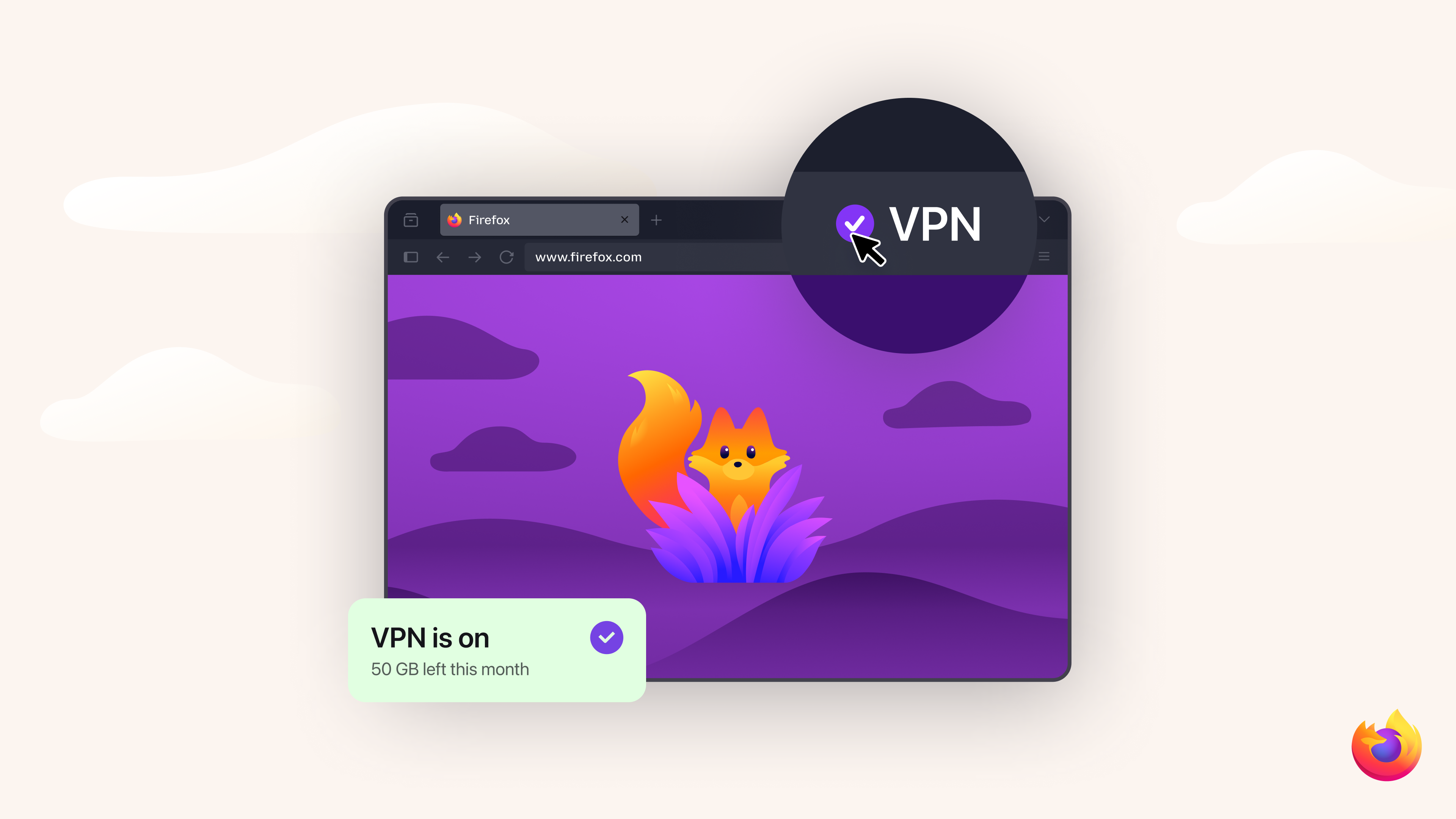
The built-in VPN includes an unprecedented 50 GB per month of free VPN browsing, enough to cover everyday activities like shopping, banking, and reading.
Turn it on in Firefox with a single click. No extra apps. No downloads. Once it’s on, Firefox routes your browsing traffic through a proxy network that replaces your IP address before it reaches a website. The sites you visit see the proxy’s IP address rather than your own. Firefox already encrypts your traffic with HTTPS, but masking your IP adds another layer of privacy. You can mask the URLs you’re visiting from anyone trying to spy on your network traffic on public Wi-Fi, like while you’re enjoying a latte at your favorite coffee shop.
If you reach the monthly limit, IP protection is paused until the next cycle. Firefox will require you to confirm before proceeding without the VPN so your browsing doesn’t unintentionally continue without IP protection.
Browser-level protection and full-device protection
The free built-in VPN helps secure your traffic while browsing in Firefox, making it a simple way to protect your IP address from being tracked by big tech. However, it does not offer full device protection.
For those looking for broader coverage, you can also choose protection that extends across your entire device, including other apps. The standalone Mozilla VPN subscription offers this capability with unlimited data across multiple devices. Depending on your needs, you can pick the level of privacy and protection that suits you.
We’ve heard concerns about so-called “free VPNs,” which often rely on advertising or selling user data to generate revenue. Firefox’s built-in VPN is designed differently. It does not sell your browsing data and does not inject advertising into your traffic. Instead, we offer a limited amount of browser-level protection for free, alongside Mozilla VPN, our paid, unlimited, full-device VPN service.
Read more about the differences between VPNs and web proxies.
Rolling out to Firefox users
The free built-in VPN is currently rolling out as a beta to Firefox desktop users in the United States, the United Kingdom, Germany and France, with plans to expand to additional countries coming soon over the next several releases.
As with many Firefox features, we’re introducing it gradually starting in Firefox 149 so we can learn from user feedback and continue improving the experience.
Building a more private web
Protecting privacy online is an ongoing effort. As the web evolves, new technologies create both opportunities and challenges for keeping personal information safe.
Mozilla has spent years building privacy protections — from Total Cookie Protection to Private browsing mode to anti-fingerprinting — directly into Firefox so people have more control over how they experience the web. This built-in VPN is one more way Firefox helps you browse with less exposure and more peace of mind.
By continuing to build these protections into Firefox, we aim to make the web safer, more transparent and more respectful of the people who use it.

Take control of your internet
Download FirefoxThis post is also available in: Deutsch (German) Français (French)