Your browser tabs say a lot about your life: work projects, vacation plans, shopping carts and all the rabbit holes in between.
Add the world’s biggest soccer tournament to the mix, and your browser is suddenly juggling scores to check, streams to watch, lineups to scan and group chats to keep up with. And since many matches kick off during the workday, there will be lots of temptation to just sneak a peek at the action between meetings.
Firefox is built to be your ultimate second screen. When the tournament is on, keep Firefox open to follow the action, keep up with the conversation, and stay on top of everything else happening online – whether you’re watching from the couch or checking in on your mobile device on the go.
You’ll find a World Cup widget, custom wallpapers, and game-day multitasking tools. Plus, Firefox is teaming up with Trevor Noah, a soccer superfan, as he hosts live watch parties for the tournament moments everyone will be talking about.
Your second screen for every match
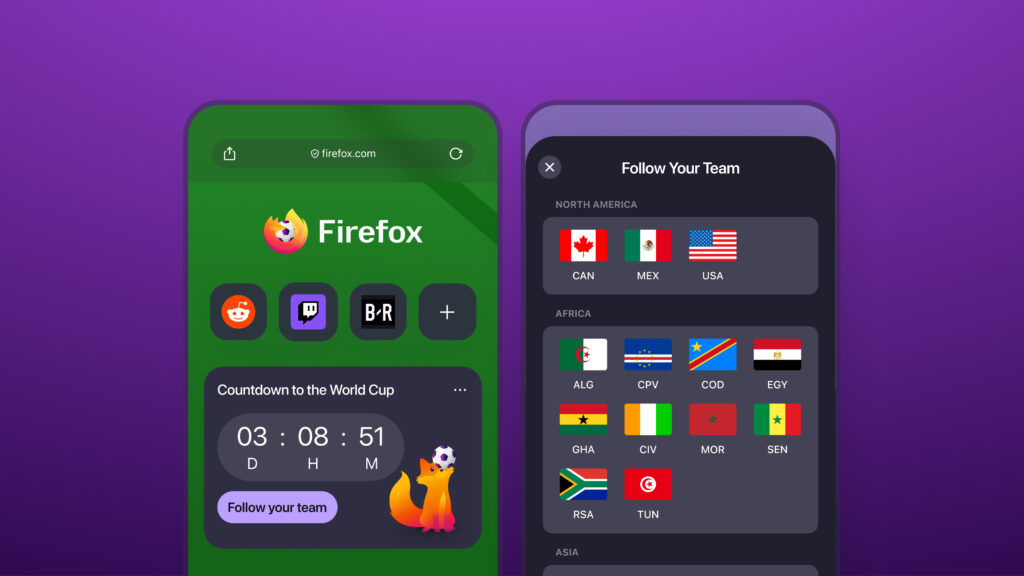
When the action is happening fast, keeping up should be as easy as opening a new tab.
Firefox’s World Cup widget gives you the latest tournament updates every time you open a new tab (and you can turn it off anytime). With key match information always within easy reach, it’s easy to stay on top of the action without bouncing between apps or having to browse around.
You can follow your favorite teams and even customize Firefox with wallpapers that bring big fan vibes to every new tab. To get started, open a new tab and click the Customize icon at the bottom of the page.
Game-day pro moves
Pin the picture
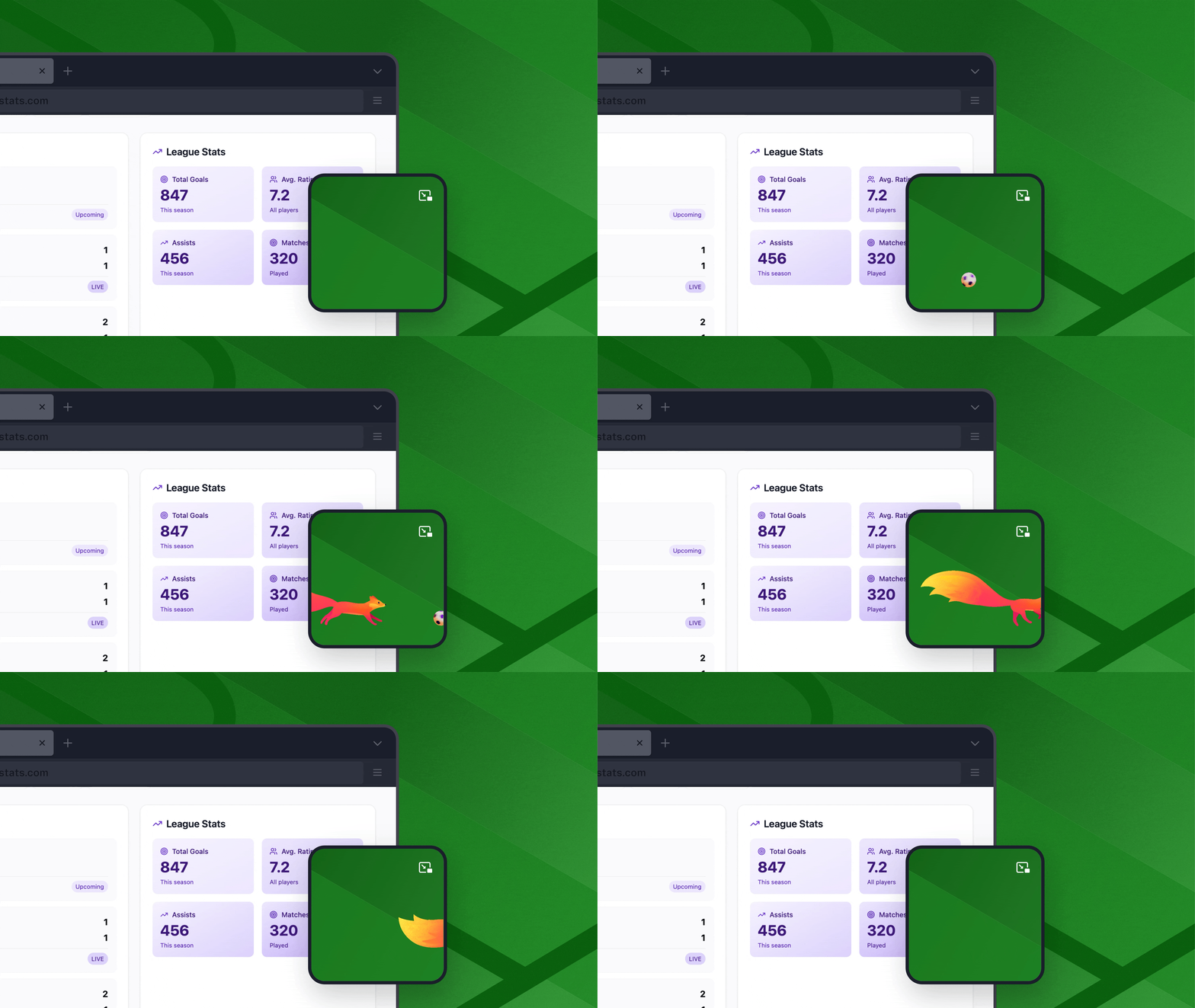
With picture-in-picture in Firefox, you can detach a video from its tab and pin it anywhere on your screen so you can keep watching while working on other stuff.
Split the view
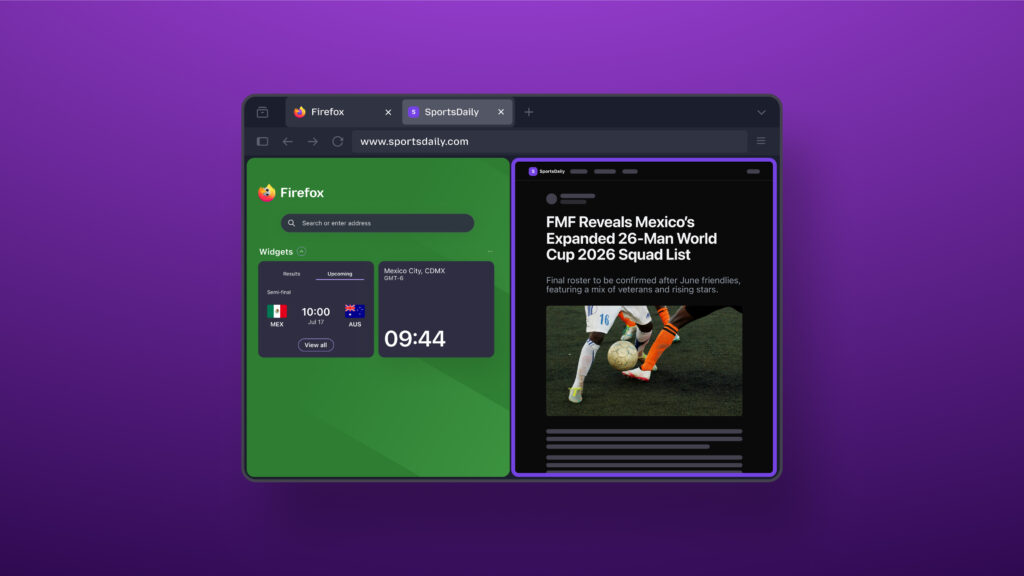
Open two tabs side by side in one window with split view. That way, you can keep live updates on one half and stats, searches or chats on the other.
Calm the chaos
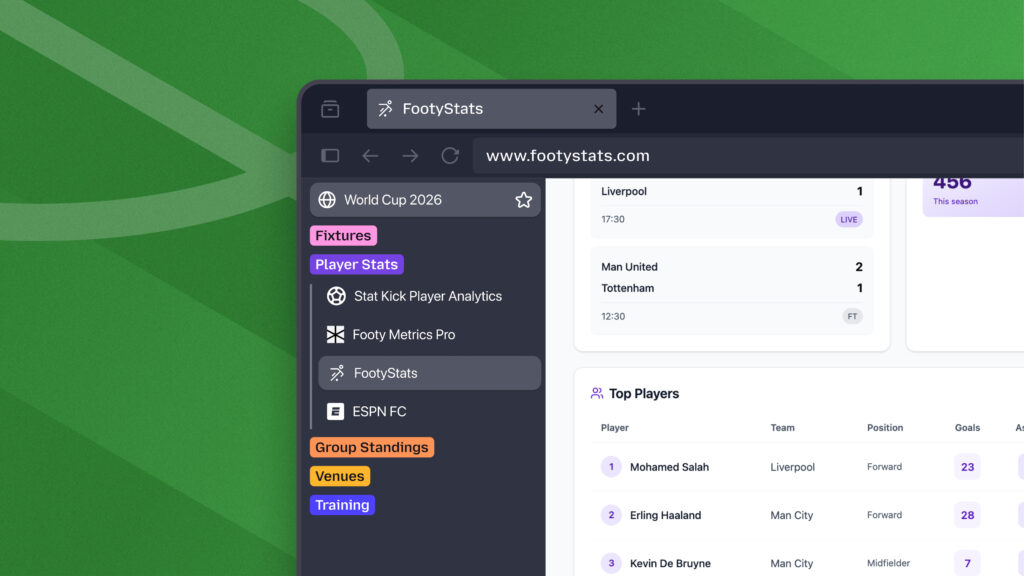
Remember what we said about your tabs representing your life? While 99 tabs of fandom can make it feel more chaotic, your browser doesn’t have to.
With tab groups in Firefox, you can create separate groups for:
- soccer matches and live scores
- travel plans and itineraries
- work or school projects
- summer shopping and event planning
- weekend inspiration and future adventures
Hang out with Trevor Noah – World Cup and Firefox superfan
Match days are better with good company. This summer, Firefox is teaming up with Trevor Noah to be his second screen sidekick for his World Cup watch party on YouTube.
Hosted live throughout the tournament, the series will feature Trevor alongside some of his best friends plus celebrity guests as they react to matches, highlights and the internet moments coming out of each day’s games.
Trevor is a longtime Firefox user whose comedy and commentary have explored how technology shapes everyday life. That makes this collaboration feel especially fitting for Mozilla, a company built around the idea that the internet should work better for everyone.
“I’m grateful to our incredible brand partner Firefox for helping make this series possible and for believing in the power of sport to bring people together,” said Noah.
“Events like this are some of the biggest shared experiences on the internet,” said John Solomon, Chief Marketing Officer at Mozilla. “While many people stop their lives for the World Cup, those that can’t follow them while working, traveling, connecting with friends and family, and doing everything else they need to do online. Firefox is built for moments like this, and Trevor is a fitting partner. He’s a longtime Firefox user who believes, like we do, that technology should work for people, helping them stay connected to the moments, information and communities they care about most.”
Make Firefox your World Cup sidekick this summer. Follow the tournament with the World Cup widget, multitask like a pro with picture-in-picture, split view and tab groups, and get into the spirit with custom wallpapers, all in the browser that helps you get more out of every match.

Are you game-day ready?
Download Firefox nowThis post is also available in: Deutsch (German) Français (French)