

Featured Article
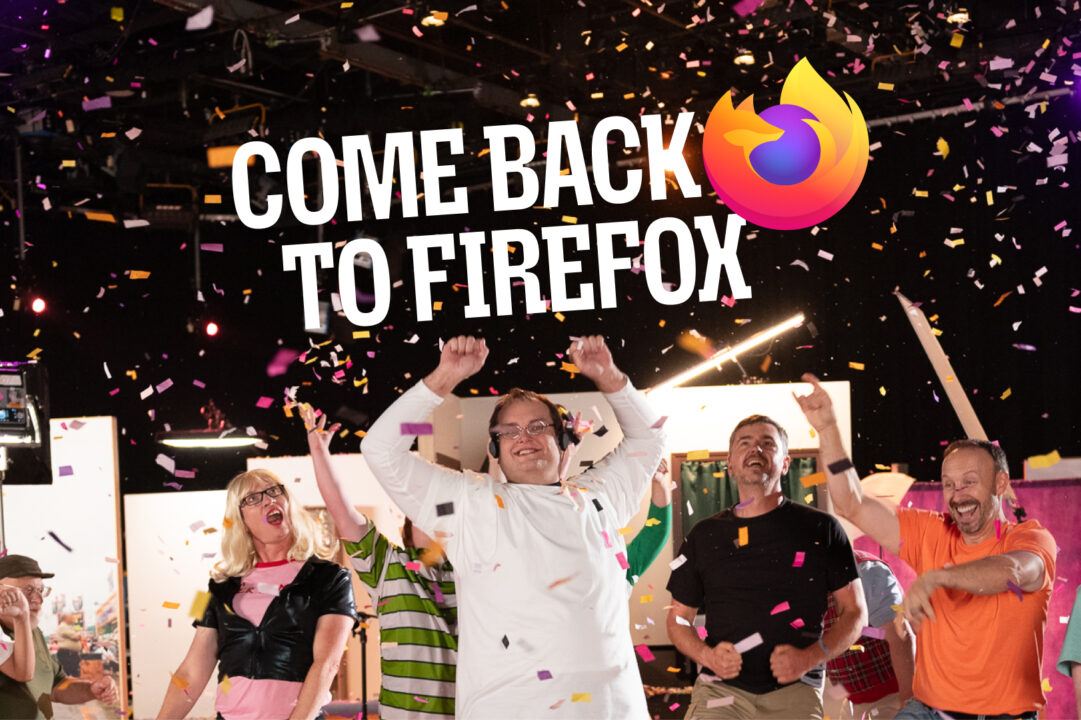
Firefox reunites meme royalty to remind you what the internet used to feel like
A group of familiar faces from the early web just got back together to ask an important question: What happened to the internet? Sure, there was a time when it was a little less polished, and a lot less speedy, but it was yours. Overly Attached Girlfriend may have wanted to know everything about you, ...

Featured Video


The Internet You Loved Is Still Here | Firefox
Featured Collection




Latest Mozilla news
This map shows the most important asset that VC-backed companies need right now
Read More Firefox partners with Anschutz Entertainment Group at the Uber Arena and Uber Eats Music Hall in Berlin
Read More Jambu Palaniappan and David Parry-Jones join the Mozilla Corporation Board of Directors
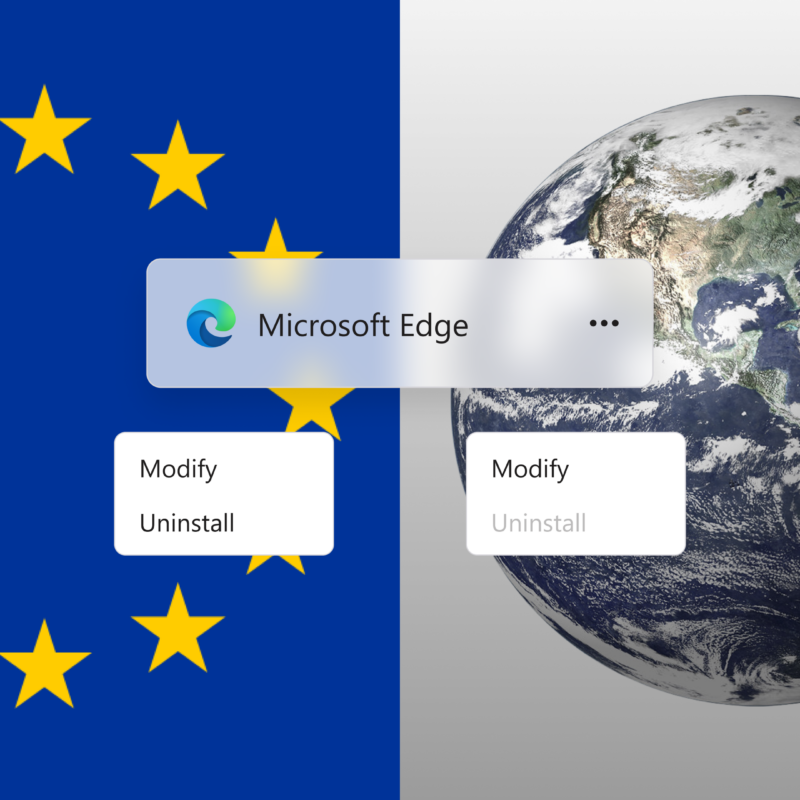
Read More 100 days later: Microsoft still steers Windows and Copilot users to Edge, everywhere the law lets it
Read More Mila and Mozilla announce new initiative to build trustworthy open source AI for everyone, with Canadian government support
Read More
Featured Collection

Latest Firefox news
Firefox
What does the (Fire)fox say?
Read More Firefox
Firefox partners with Anschutz Entertainment Group at the Uber Arena and Uber Eats Music Hall in Berlin
Read More Firefox
Strengthen your online security for free with Firefox
Read More Firefox AI
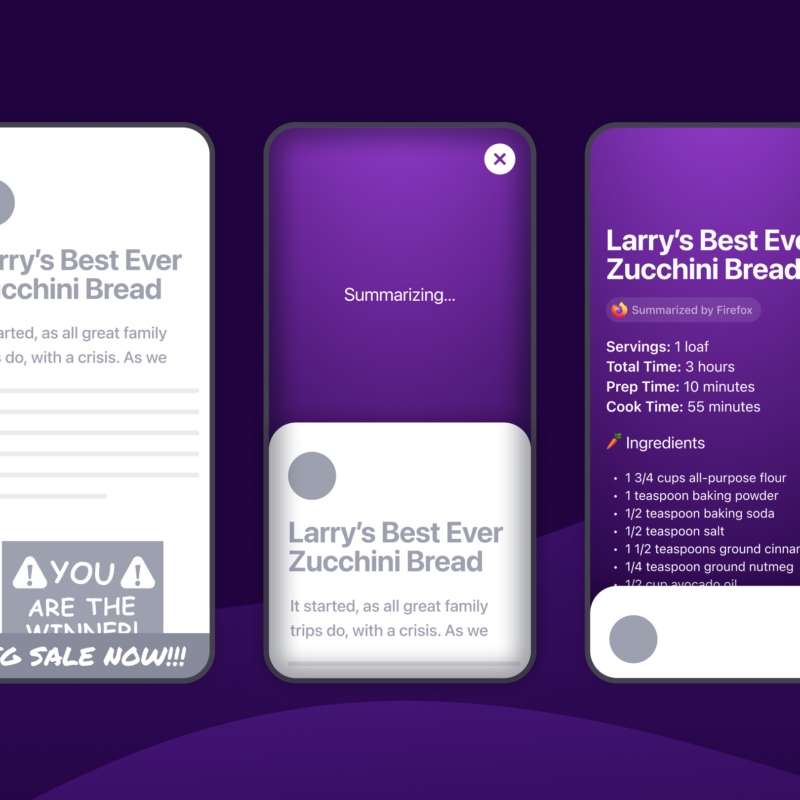
Under the Hood: Prompt tuning Shake to Summarize for recipes
Read More Firefox
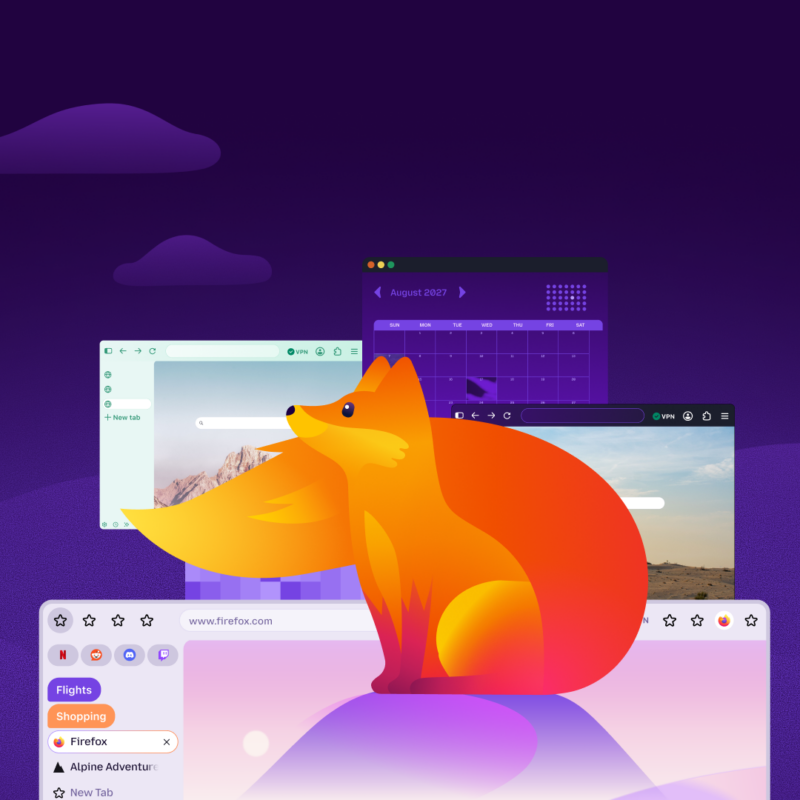
More modern. More flexible. Still Firefox.
Read More Firefox
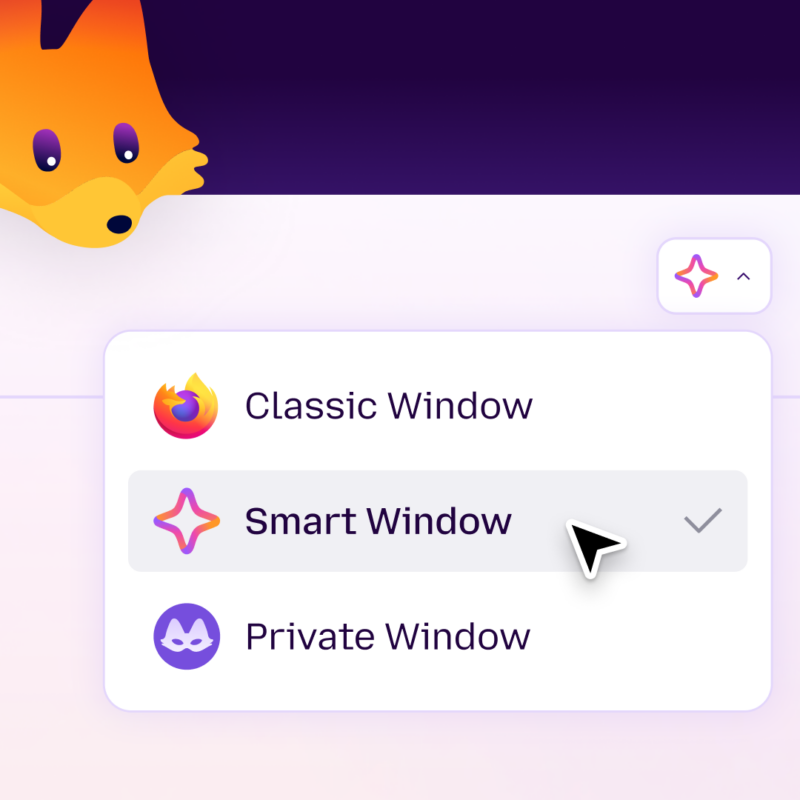
Classic, Private, or Smart? Choose the right Firefox window for every task
Read More
Featured Collection
Recently published
Internet Policy
Why is the CMA asking us to choose the furniture before the house? The UK’s search choice screens need browser choice screens alongside them
Read More AI
This map shows the most important asset that VC-backed companies need right now
Read More Firefox
What does the (Fire)fox say?
Read More Firefox
Firefox partners with Anschutz Entertainment Group at the Uber Arena and Uber Eats Music Hall in Berlin
Read More Our Work
Jambu Palaniappan and David Parry-Jones join the Mozilla Corporation Board of Directors
Read More Our Work
100 days later: Microsoft still steers Windows and Copilot users to Edge, everywhere the law lets it
Read More
Mozilla VPN
Security, reliability and speed — on every device, anywhere you go
Get the Virtual Private Network from the makers of Firefox.