New in Firefox 151: VPN location selection, AI controls on mobile, and expanded Shake to Summarize support
 May 19, 2026

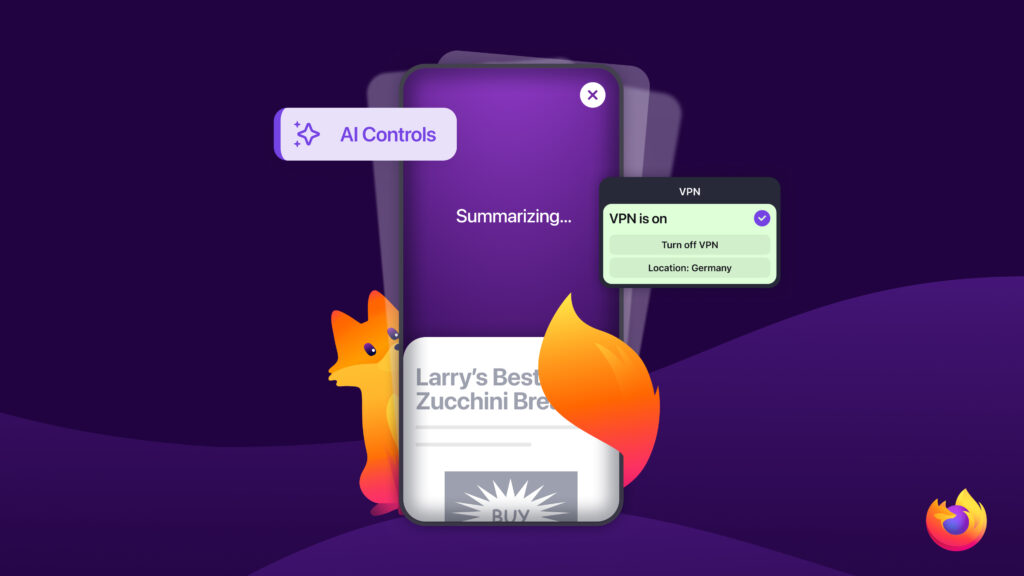
Today, Firefox is rolling out updates across desktop and mobile that give you more choice over how you browse.
Here’s a look at what’s new.
Adding location selection to Firefox’s free VPN
Firefox now offers a fully featured VPN experience directly in the browser — for free. In just two months, over 1 million users have already signed up to try it.
With the addition of location selection, one of the most requested features from the Firefox community, Firefox’s free built-in VPN now delivers all the flexibility and functionality people expect from a modern VPN.
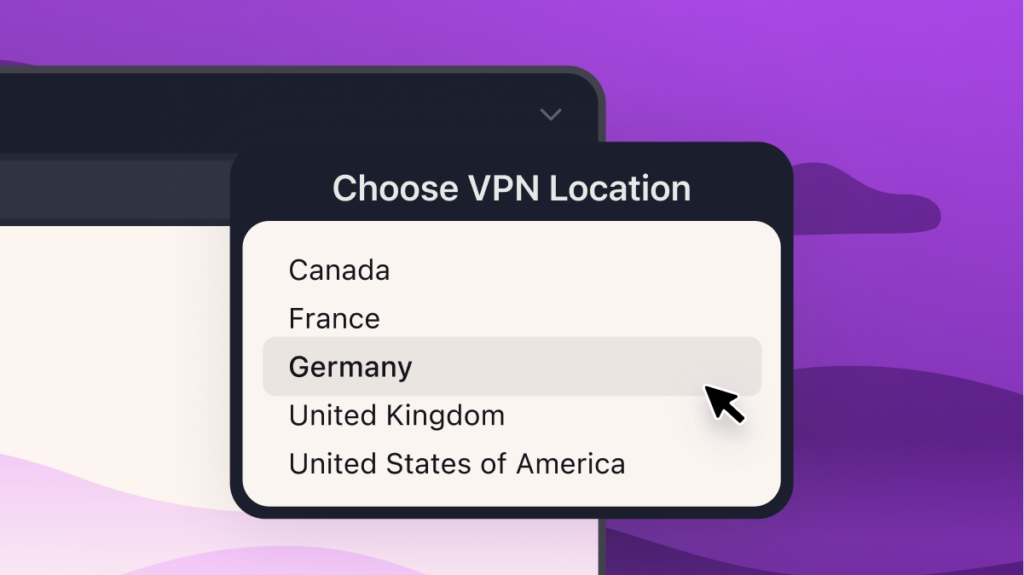
Starting today, Firefox users in the U.S., U.K., France, Germany, and Canada can choose to browse from any of the countries where we’ve launched VPN support. Whether you want to view local news, shop regionally, or see how content appears in another country, location selection gives you more control over where your connection appears from online.
Firefox will recommend the location closest to you by default, but people can switch locations at any time. Additional locations are planned for future releases. Browsing will still be subject to the local laws and content restrictions of the selected region.
Available in Firefox 151.
More controls over AI features on mobile
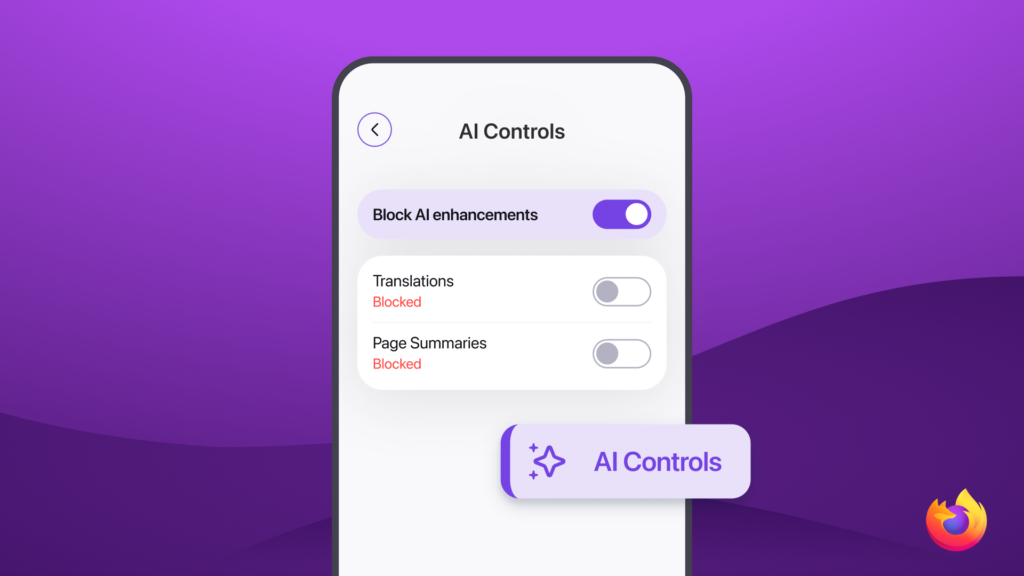
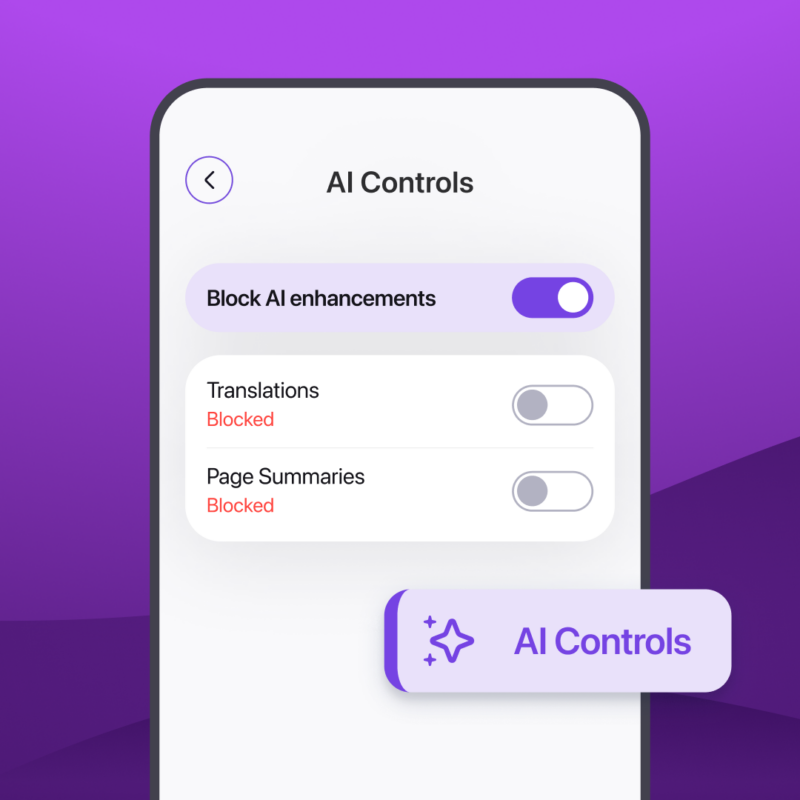
You can now decide how AI shows up in your Firefox mobile browsing experience, with more control over which AI features to activate and more ways to use them across devices and languages.
After launching AI controls on desktop earlier this year, Firefox is bringing them to iOS and Android. Depending on your device and region, available controls include features like translations, voice search and Shake to Summarize. Preferences can be updated at any time, making it easy to keep only the tools you want to use as new AI-powered features arrive in Firefox.
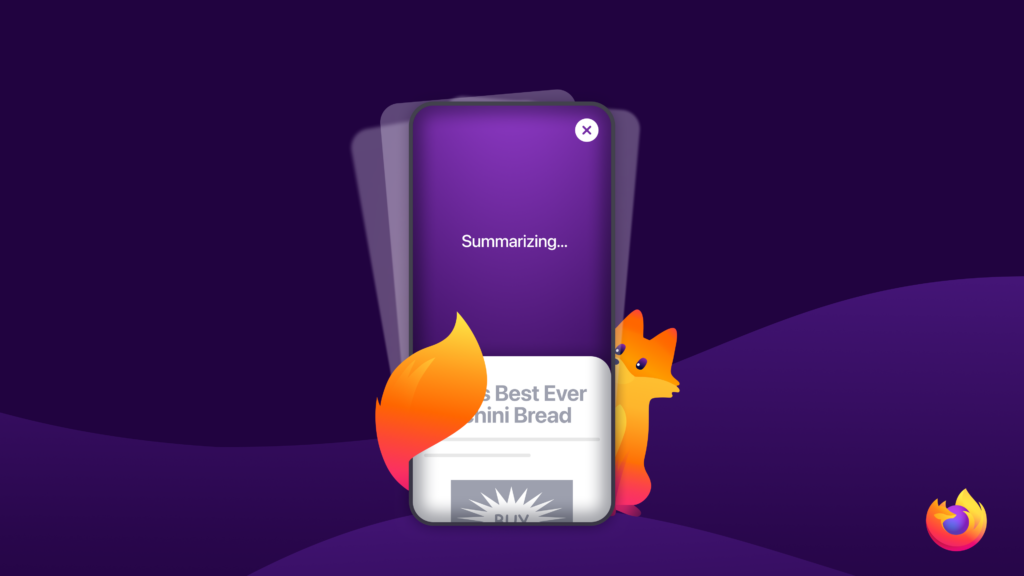
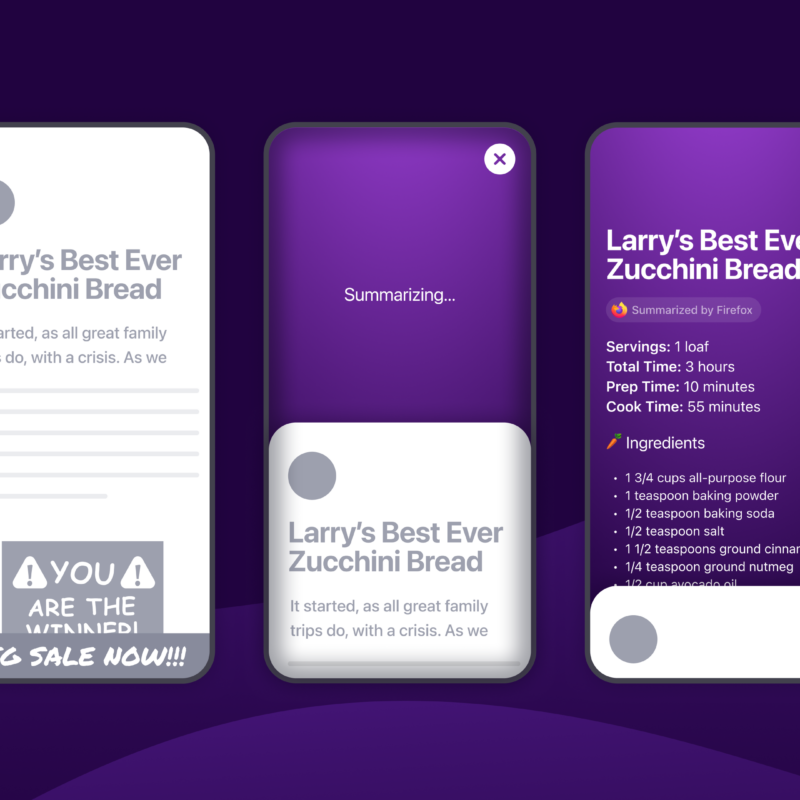
Shake to Summarize, recognized by TIME as one of the Best Inventions of 2025, helps you cut to the chase on mobile webpages by generating a simple summary with a flick of your wrist. The feature is now expanding to Android devices, with English rolling out first and additional languages coming soon. Shake to Summarize is now available on iOS in English, German, French, Spanish, Portuguese, Italian, and Japanese, giving more people the option to use it in the language that works best for them.
AI controls are available on iOS and Android. Shake to Summarize is available on Android in English and on iOS in English, German, French, Spanish, Portuguese, Italian, and Japanese.
A one-click reset for Private Browsing
Finished shopping for a surprise gift or logging into a temporary account? A new flame-shaped “Clear Private Session” button, located to the right of the address bar, instantly clears your current private session and starts a new one without requiring you to close and reopen the browser. Cookies, browsing history, logins, and other session data from your private windows are deleted automatically. Read more in this week’s release notes. Try it out in Firefox 151.
Coming soon in Nightly: A refreshed settings page
Firefox is previewing a redesigned settings page in Nightly that makes it easier to find the controls you’re looking for and move through settings more intuitively. The redesign introduces improved navigation, clearer organization, and updated labels and descriptions designed to make customization easier.
Existing settings and preferences will remain unchanged, and the updated search experience helps people quickly find settings that may appear in new sections.
This will be enabled by default for Nightly users starting later this week.
Download the latest version of Firefox to explore what’s new and share feedback with us on Mozilla Connect.