AI is changing the web, and people want very different things from it. We’ve heard from many who want nothing to do with AI. We’ve also heard from others who want AI tools that are genuinely useful. Listening to our community, alongside our ongoing commitment to offer choice, led us to build AI controls.
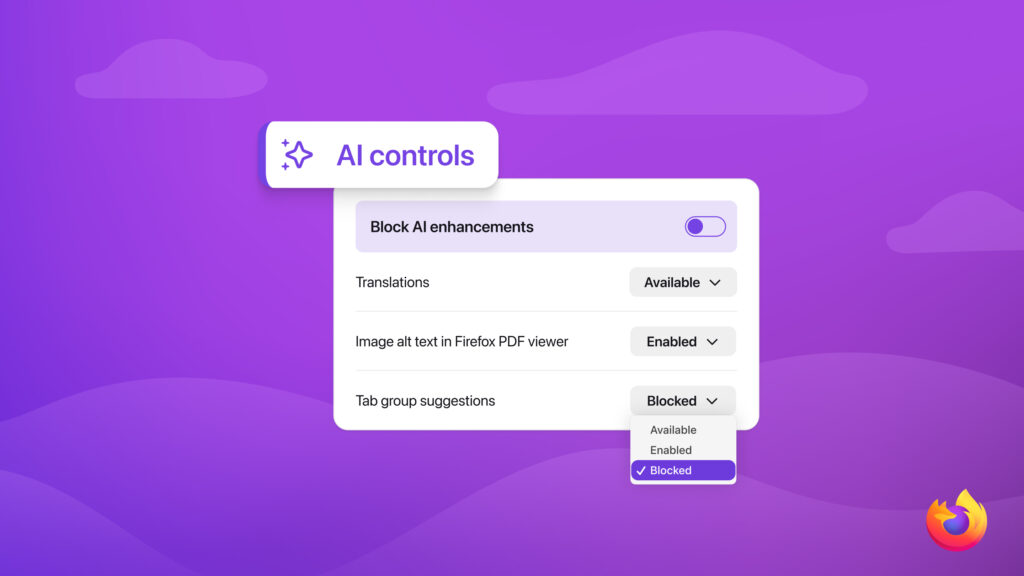
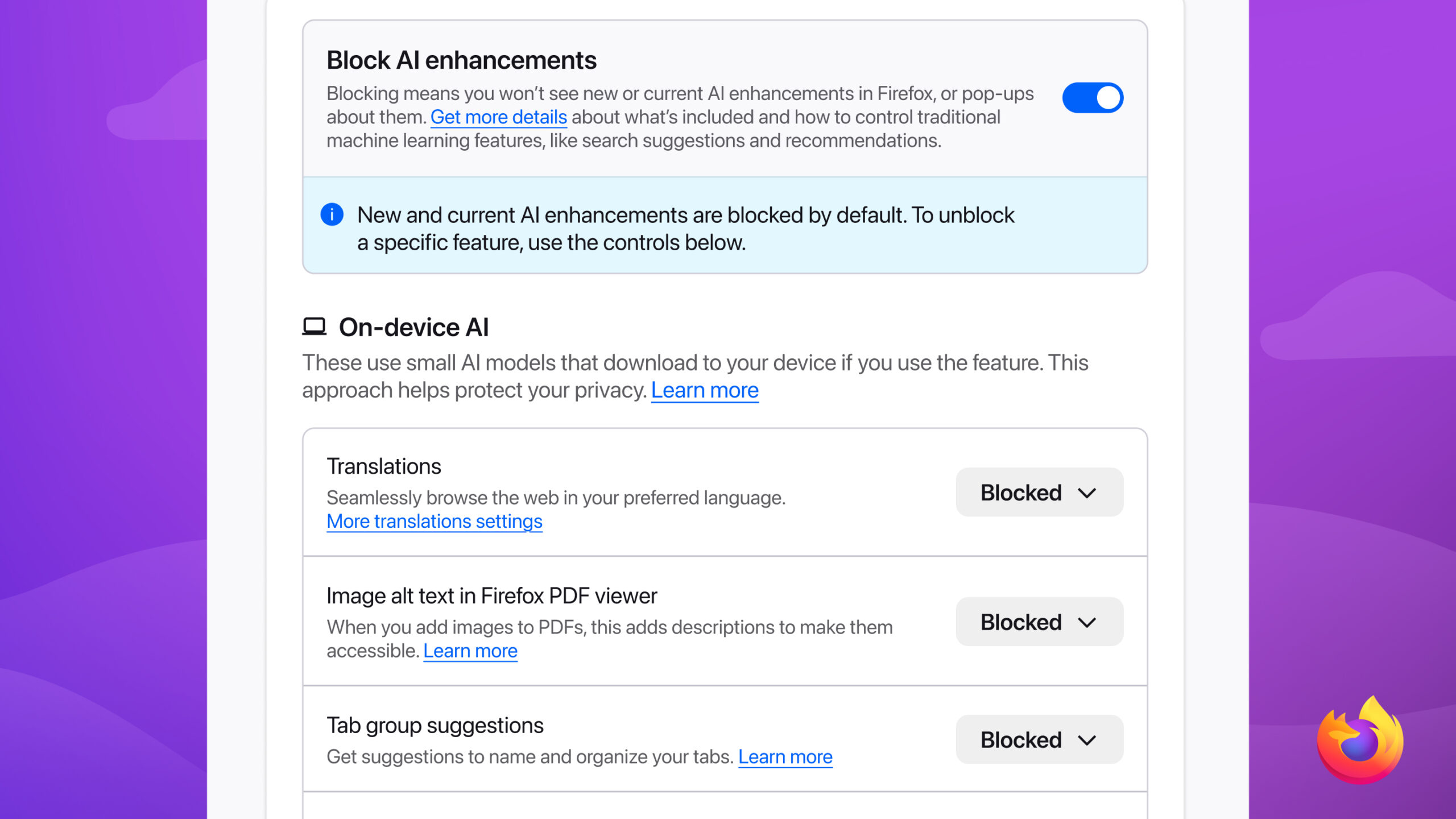
Starting with Firefox 148, which rolls out on Feb. 24, you’ll find a new AI controls section within the desktop browser settings. It provides a single place to block current and future generative AI features in Firefox. You can also review and manage individual AI features if you choose to use them. This lets you use Firefox without AI while we continue to build AI features for those who want them.
One place to manage your AI preferences
Firefox offers AI features to enhance everyday browsing. These features are optional, and they’re easy to turn on or off.
At launch, AI controls let you manage these features individually:
- Translations, which help you browse the web in your preferred language.
- Alt text in PDFs, which add accessibility descriptions to images in PDF pages.
- AI-enhanced tab grouping, which suggests related tabs and group names.
- Link previews, which show key points before you open a link.
- AI chatbot in the sidebar, which lets you use your chosen chatbot as you browse, including options like Anthropic Claude, ChatGPT, Microsoft Copilot, Google Gemini and Le Chat Mistral.
You can choose to use some of these and not others. If you don’t want to use AI features from Firefox at all, you can turn on the Block AI enhancements toggle. When it’s toggled on, you won’t see pop-ups or reminders to use existing or upcoming AI features.
Once you set your AI preferences in Firefox, they stay in place across updates. You can also change them whenever you want.
The browser that gives you a say
AI controls give you more say in how you move across the web.
We believe choice is more important than ever as AI becomes a part of people’s browsing experiences. What matters to us is giving people control, no matter how they feel about AI.
If you’d like to try AI controls early, they’ll be available first in Firefox Nightly. We’d love to hear what you think on Mozilla Connect.

Take control of your internet
Download FirefoxThis post is also available in: Deutsch (German) Français (French)