
Say “Firefox” and most people think of a web browser on their laptop or phone, period. TL;DR, there’s more to the story now, and our branding needs to evolve.
With the rapid evolution of the internet, people need new tools to make the most of it. So Firefox is creating new types of browsers and a range of new apps and services with the internet as the platform. From easy screen-shotting and file sharing to innovative ways to access the internet using voice and virtual reality, these tools will help people be more efficient, safer, and in control of their time online. Firefox is where purpose meets performance.

Firefox Quantum Browser Icon
As an icon, that fast fox with a flaming tail doesn’t offer enough design tools to represent this entire product family. Recoloring that logo or dissecting the fox could only take us so far. We needed to start from a new place.
A team made up of product and brand designers at Mozilla has begun imagining a new system to embrace all of the Firefox products in the pipeline and those still in the minds of our Emerging Technologies group. Working across traditional silos, we’re designing a system that can guide people smoothly from our marketing to our in-product experiences.
Today, we’re sharing our two design system approaches to ask for your feedback.
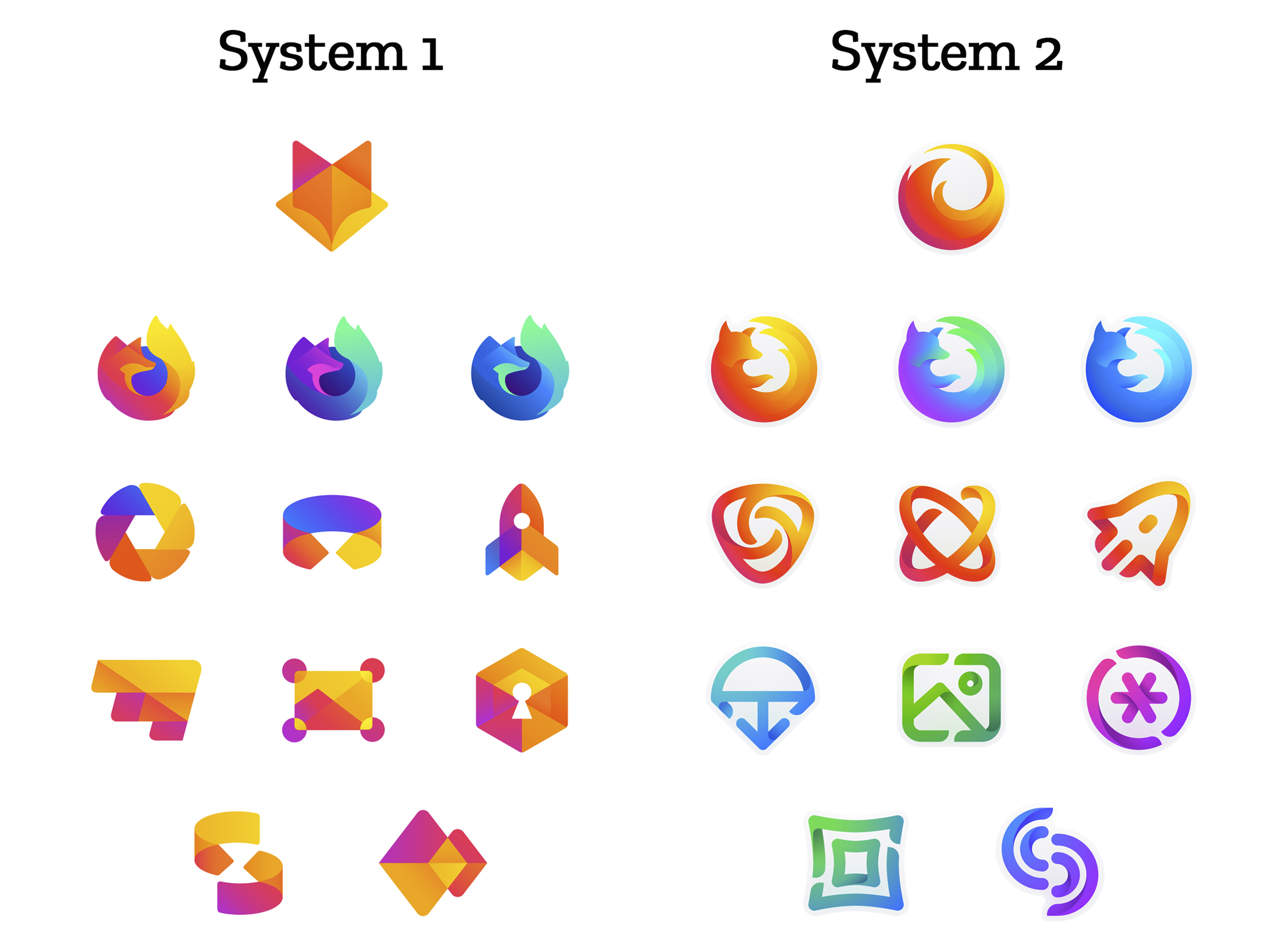
How this works.
For those who recall the Open Design process we used to craft our Mozilla brand identity, our approach here will feel familiar:
- We are not crowdsourcing the answer.
- There’ll be no voting.
- No one is being asked to design anything for free.
Living by our open-source values of transparency and participation, we’re reaching out to our community to learn what people think. You can make your views known by commenting on this blog post below.
Extreme caveat: Although the products and projects are real, these design systems are still a work of fiction. Icons are not final. Each individual icon will undergo several rounds of refinement, or may change entirely, between now and their respective product launches. Our focus at this point is on the system.
We’ll be using these criteria to evaluate the work:
- Do these two systems still feel like Firefox?
- How visually cohesive is each of them? Does each hold together?
- Can the design logic of these systems stretch to embrace new products in the future?
- Do these systems reinforce the speed, safety, reliability, wit, and innovation that Firefox stands for?
- Do these systems suggest our position as a tech company that puts people over profit?
All the details.
The brand architecture for both systems is made up of four levels.
Each system leads with a new Firefox masterbrand icon — an umbrella under which our product lines will live.
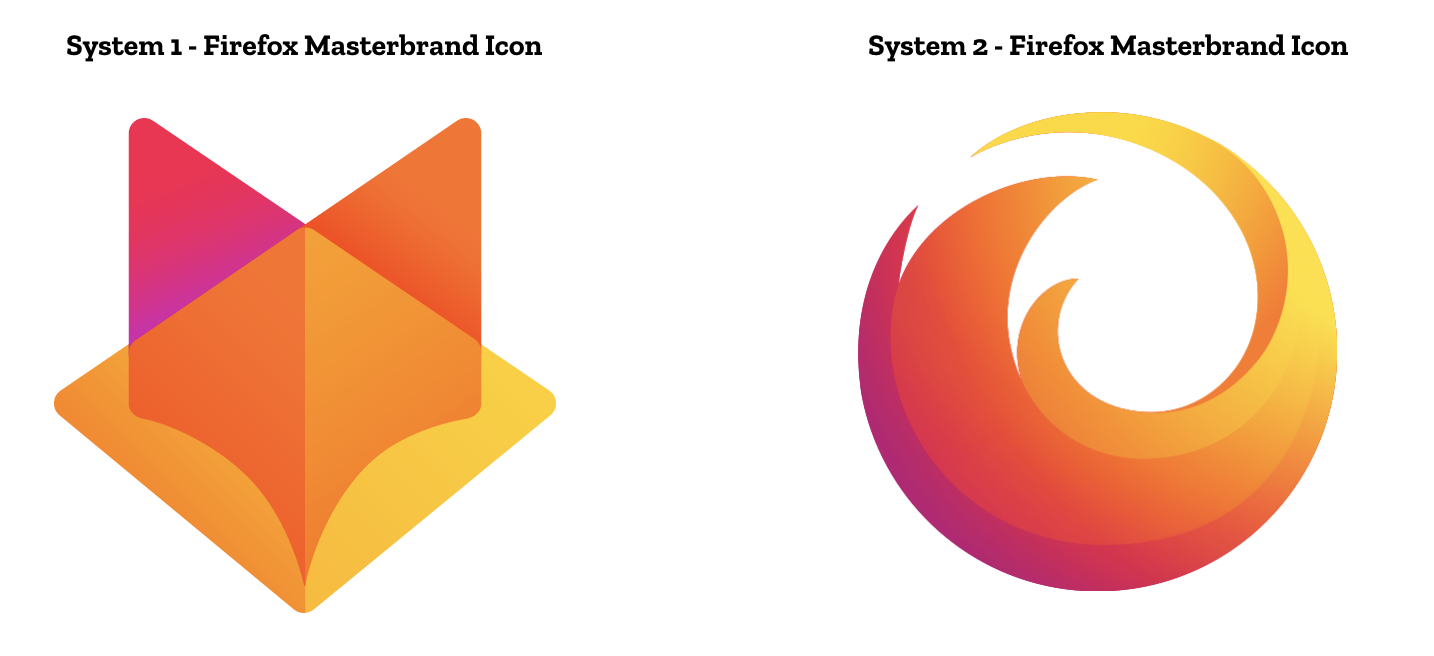
The masterbrand icon will show up in our marketing, at events, in co-branding with partners, and in places like the Google Play store where our products can be found. Who knows? Someday this icon may be what people think of when they hear the word “Firefox.”
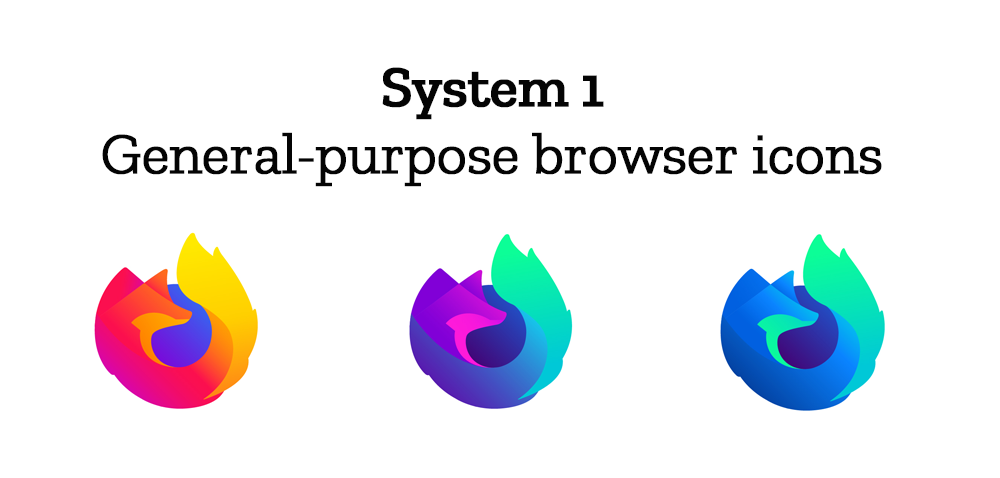
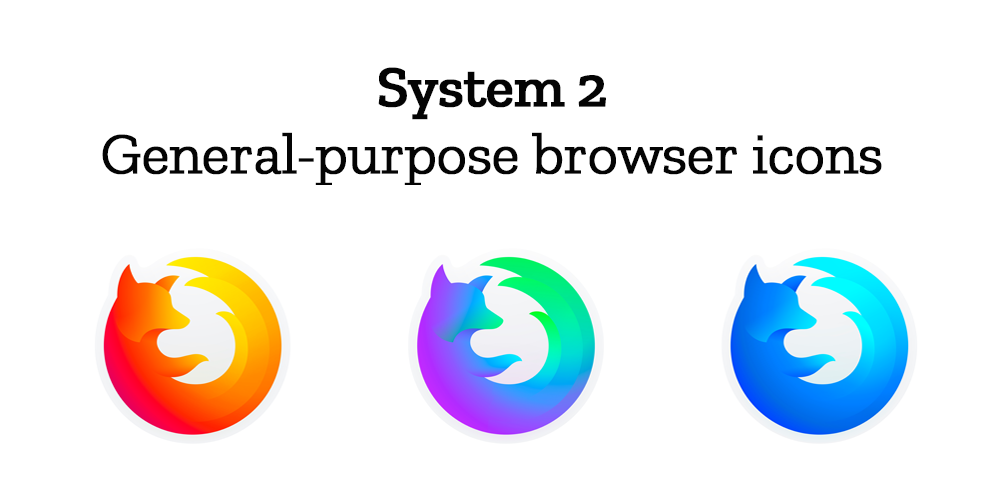
At the general-purpose browser level, we’re proposing to update our Firefox Quantum desktop icon. We continue to simplify and modernize this icon, and people who use Firefox tell us they love it. Firefox Developer Edition and Firefox Nightly are rendered as color variants of the Quantum icon.
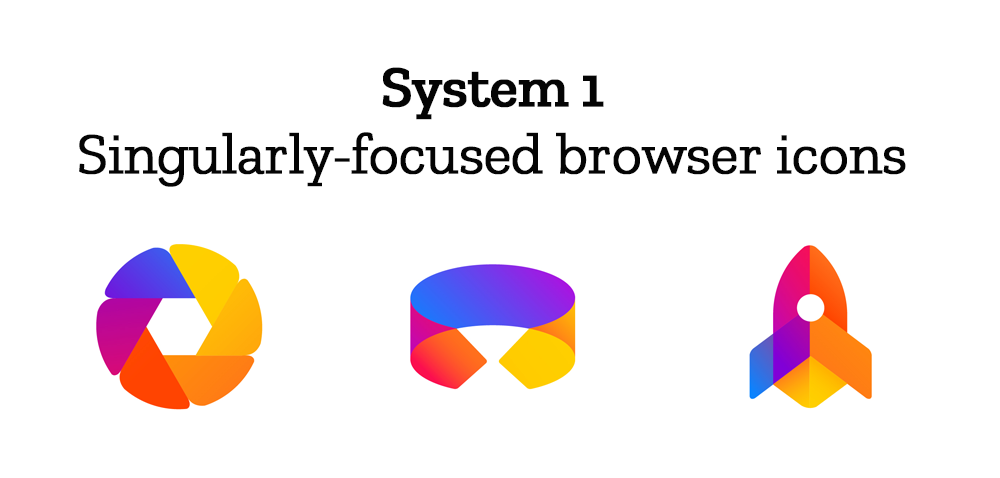
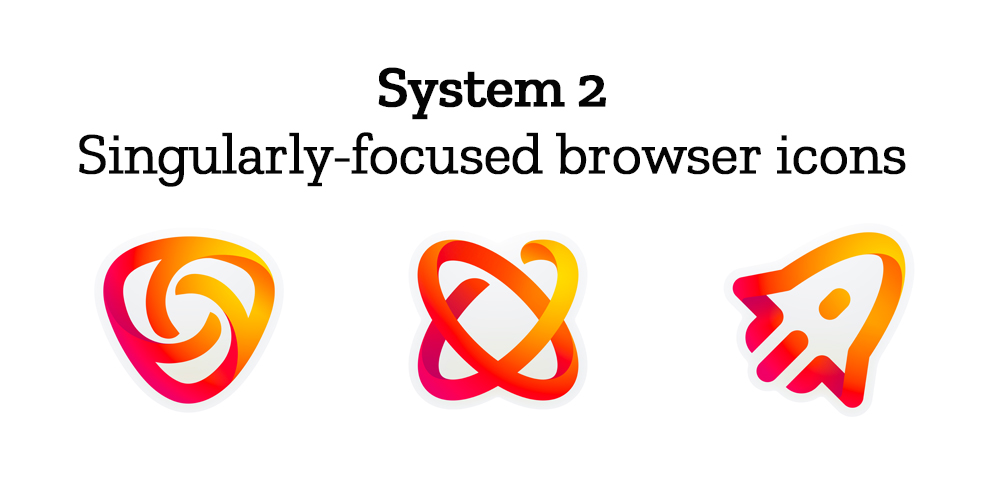
Browsers with a singular focus, such as our Firefox Reality browser for VR applications and our privacy-driven Firefox Focus mobile browser, share a common design approach for their icons. These are meant to relate most directly to the master brand as peers to the Firefox Quantum browser icon.
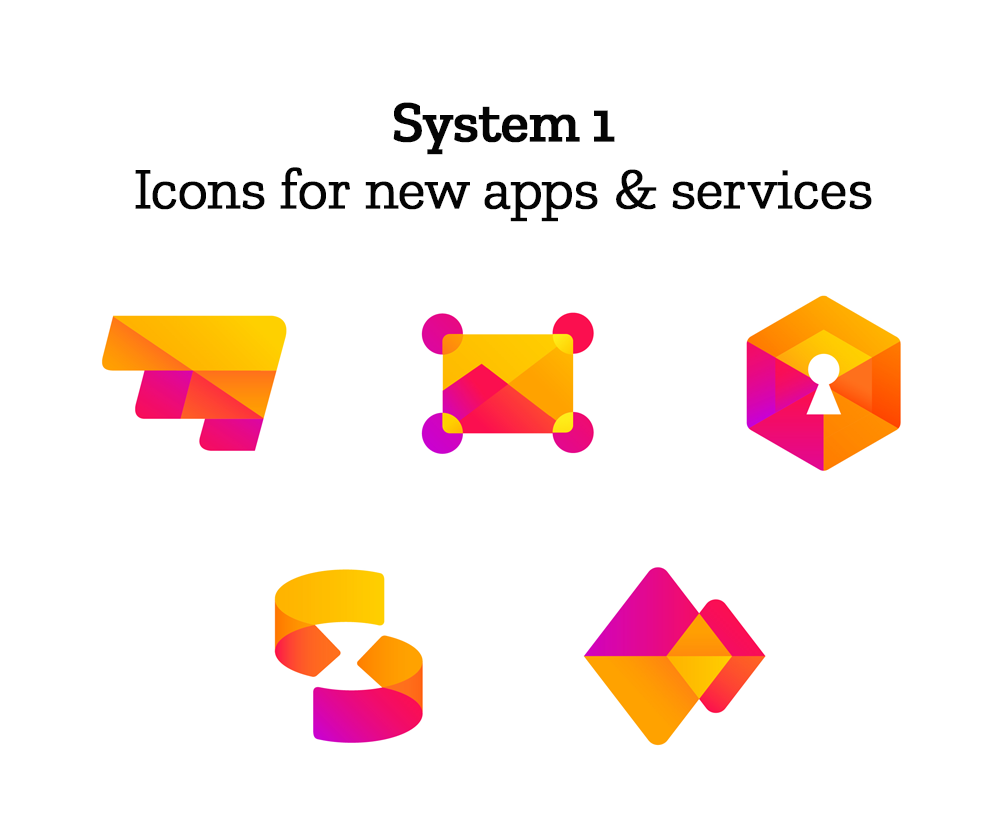
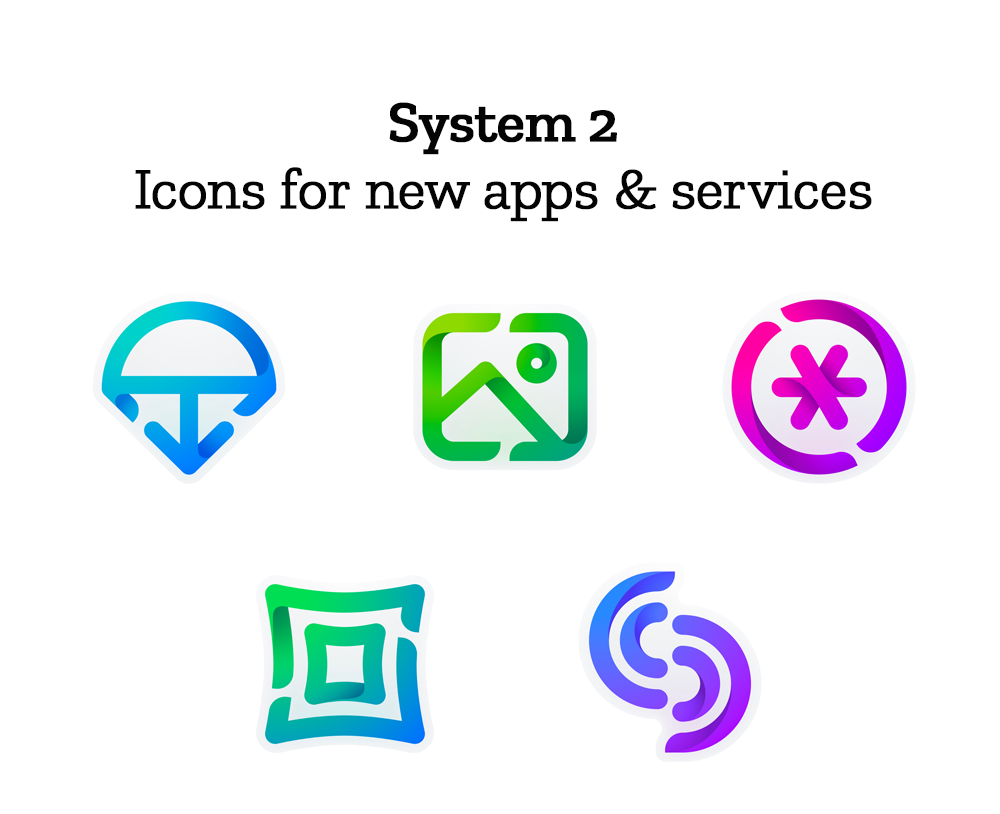
Finally, the icons for new applications and services signal the unique function of each product. Color and graphic treatment unite them and connect them to the master brand. Each icon shape is one of a kind, allowing people to distinguish among choices seen side by side on a screen.
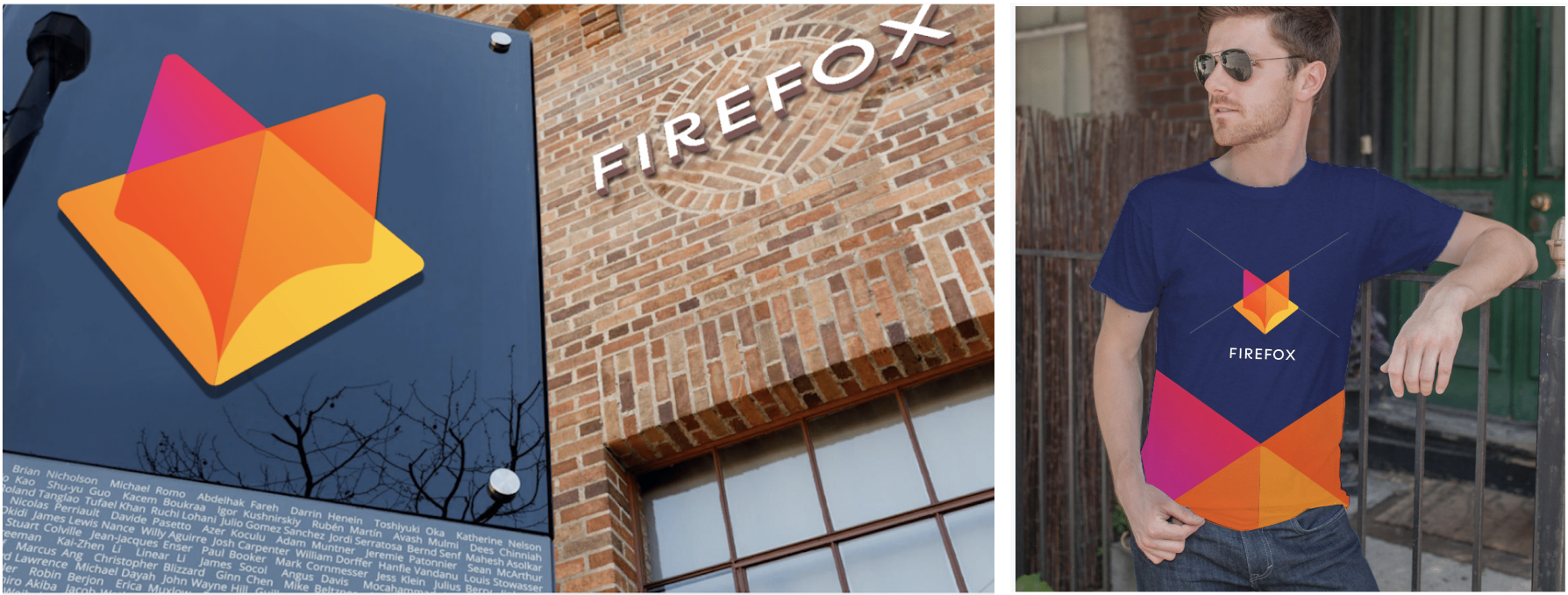
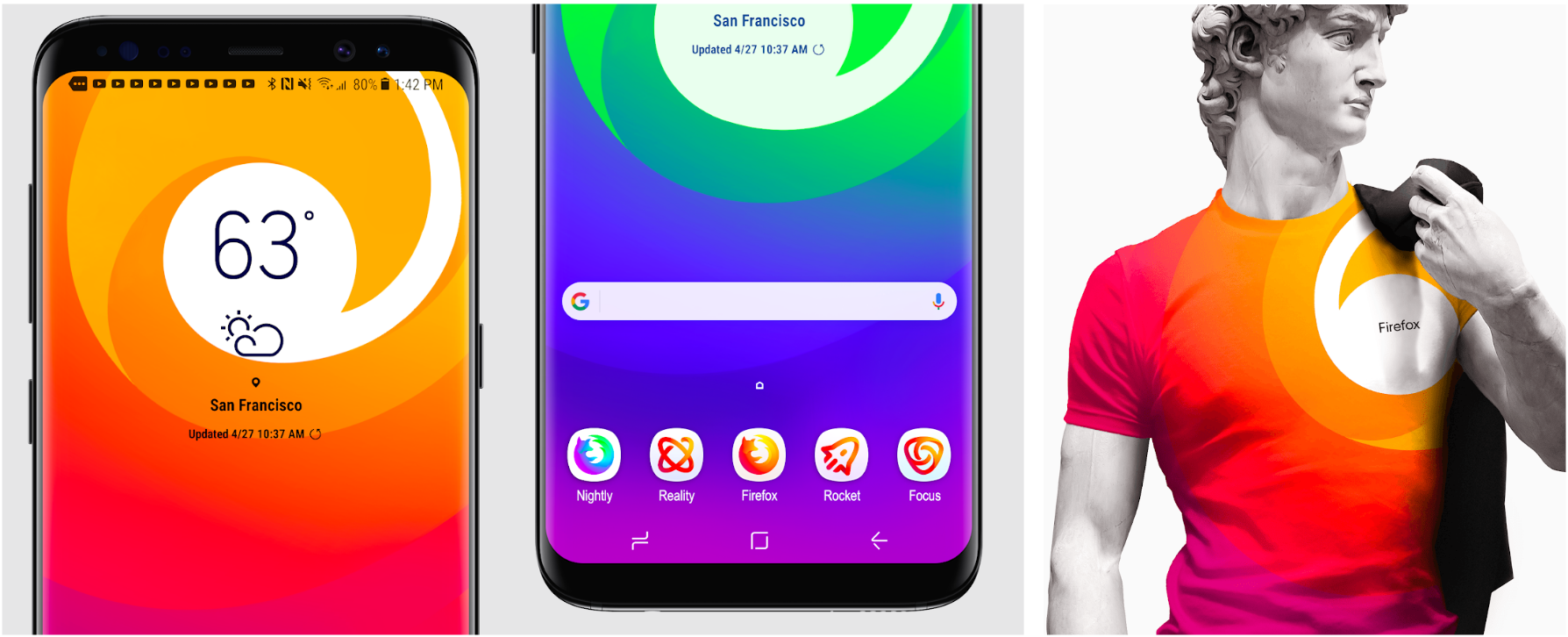
Still in the works are explorations of typography, graphic patterns, motion, naming, events, partnerships, and other elements of the system that, used together with consistency in the product, will form the total brand experience.
Read along as we refine our final system over the next few months. What we roll out will be based on the feedback we receive here, insights we’re gathering from formal user testing, and our product knowledge and design sensibilities.
With your input, we’ll have a final system that will make a Firefox product recognizable out in the world even if a fox is nowhere in sight. And we’ll deliver a consistent experience from an advertisement to a button on a web page. Thanks for joining us on this new journey.
Madhava Enros, Sr. Director, Firefox User Experience
Tim Murray, Creative Director, Mozilla
Sverrir wrote on
Chris wrote on
Tracy wrote on
Mery wrote on
Sasha wrote on
Charles wrote on
Christian Taylor wrote on
M.K. wrote on
Lucy wrote on
FF Cupola wrote on
Joe wrote on
buzzinh wrote on
Howard Lazenby wrote on
Michael wrote on
KAREEM wrote on
Alex wrote on
Leo wrote on
Casper wrote on
Stu wrote on
Isabelle wrote on
Edgard M. Marquez A. wrote on
Jonny wrote on
Daniel wrote on
PierAndrea Notari wrote on
Joel wrote on
Delia wrote on
Jerome R wrote on
Davide wrote on
MirceaKitsune wrote on
Tiny wrote on
Keyur wrote on
Rob wrote on
M.faiz wrote on
Flavio wrote on
Brian Flowers wrote on
DWW256 wrote on
athno wrote on
Nick wrote on
Chris wrote on
Roger wrote on
Tim wrote on
Mark Levinson wrote on
Susan wrote on
George Showman wrote on
Charles Studholme wrote on
Ed wrote on
Ramoucho44 wrote on
Ben wrote on
Szobek wrote on
George wrote on
Pedro Pisandelli wrote on